Choosing the Best Material for Fuel Dispenser Decals and Overlays: Polycarbonate vs Polyester vs PVC

Choosing the Best Material for Fuel Dispenser Decals and Overlays: Polycarbonate vs Polyester vs PVC

Posted on: 06/06/2026

By Marketing Manager

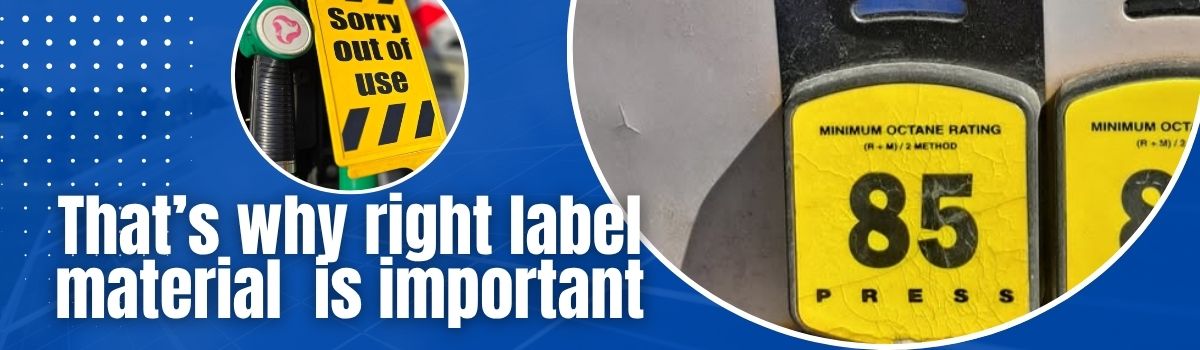
Choosing the right label material might not seem like a major decision until labels start peeling, fading, cracking, or falling off in demanding environments. For fuel dispensers, graphic overlays, and equipment decals, material selection has a direct impact on durability, maintenance costs, and the overall appearance of the equipment.

When specifying a material for graphic overlays, several factors should be considered, including texture, scratch resistance, thickness, UV protection, temperature range, chemical resistance, and suitability for outdoor use.

fuel pump decals overlays stickers materials

Why material selection matters for Fuel dispensers decals and overlays

Fuel dispensers operate in some of the harshest outdoor conditions. Decals and overlays are constantly exposed to:

  • Rain, snow, and direct sunlight
  • UV radiation that can cause fading and discoloration
  • Gasoline, diesel fuel, oils, and cleaning chemicals
  • Frequent handling by customers
  • High and low temperature fluctuations
  • Dirt, dust, and moisture

If the wrong material is selected, labels may quickly deteriorate, requiring replacement and increasing maintenance expenses.

Common Materials Used for Fuel Pump Decals and Overlays

The most common materials used for gas pump buttons, housing overlays, and dispenser decals are:

  • Polycarbonate
  • Polyester
  • PVC (Vinyl)

All three materials provide good chemical resistance, but their performance differs significantly when exposed to outdoor conditions, temperature changes, and mechanical wear.
polycarbonate Lexan better material for fuel pump labels

PVC (Vinyl): The Budget-Friendly Option

PVC, commonly known as vinyl, is generally the most cost-effective option. For simple indoor applications or non-critical outdoor installations, it can provide acceptable performance.

However, vinyl has limitations that become apparent in demanding environments.

Over time, plasticizers can migrate out of the material, potentially affecting the adhesive performance. PVC can also become brittle in cold weather and may deform when exposed to elevated temperatures. These characteristics often result in cracking, peeling, and premature failure.

Replacing a failed overlay involves much more than the cost of a new label. Service stations frequently require technician visits, travel expenses, and equipment downtime, making premature replacement considerably more expensive than the label itself.

PVC is recommended when:

  • Budget is the primary consideration
  • The application does not involve high impact or extreme temperatures
  • Basic durability is sufficient
  • The overlay is used in a low-demand environment
high temperature UV protected fuel dispenser decals

Polyester: Better Stability and UV Resistance

Polyester offers several advantages over vinyl, particularly for outdoor applications.

Unlike PVC, polyester maintains its dimensions over time and does not shrink significantly. It remains stable on the surface and provides better long-term appearance retention.

Polyester also performs better under prolonged UV exposure. As a result, graphics and text are less likely to fade after years of outdoor use.

For many equipment labels and control panel overlays, polyester provides an excellent balance between cost and performance.

Polycarbonate (Lexan): The Premium Choice for Fuel Dispensers

For demanding outdoor environments, polycarbonate is widely considered the superior solution.

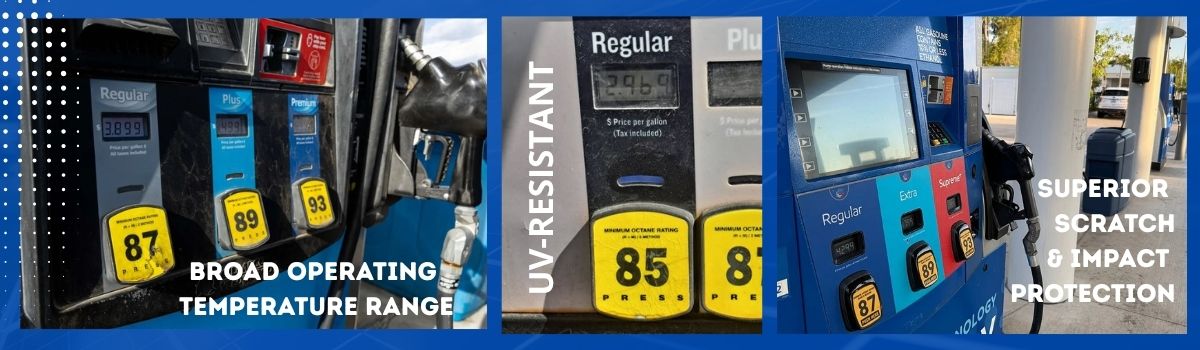
Materials such as Lexan® polycarbonate are commonly used for premium fuel dispenser overlays because they provide excellent impact resistance, superior durability, and outstanding performance across a broad temperature range.

One of the major advantages of polycarbonate overlays is subsurface printing. The graphics are printed behind the clear polycarbonate layer, creating a protective barrier that shields the ink from abrasion, chemicals, weather, and everyday wear.

This construction significantly extends the service life of the overlay and helps maintain a professional appearance for many years.

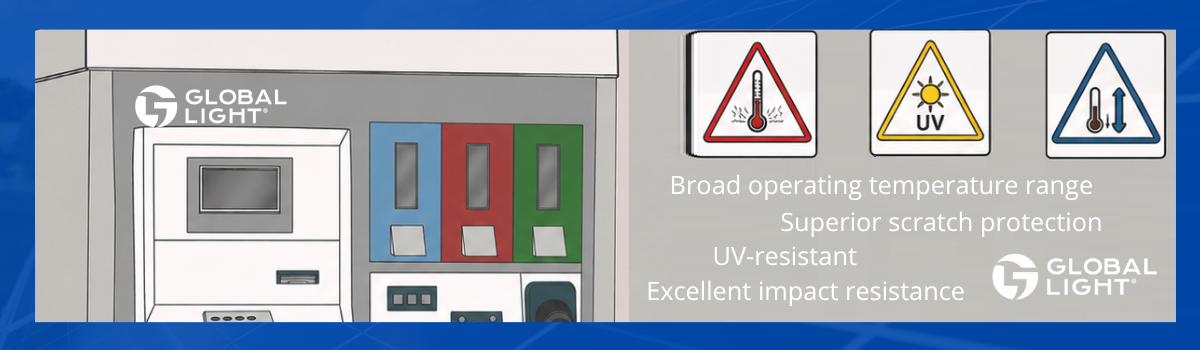
Polycarbonate advantages include:

  • Superior scratch protection because of subsurface printing
  • Broad operating temperature range
  • Excellent impact resistance
  • High chemical resistance
  • UV-resistant grades available for outdoor use
  • Outstanding long-term appearance

scratch impact resistant UV protected fuel pump decals

Lexan Polycarbonate vs SharkSkin® Vinyl

When comparing materials for fuel dispenser graphics, Lexan polycarbonate is generally considered superior to SharkSkin® textured vinyl.

Although SharkSkin® is a heavy-duty vinyl solution that performs well for flat decals, fuel dispenser overlays face far greater environmental and mechanical challenges. Lexan’s rigid structure and subsurface printing technology provide superior protection against abrasion, chemicals, UV exposure, and physical damage.

For critical fuel dispenser interfaces, polycarbonate remains the preferred material.

Temperature Performance: A Critical Difference

One of the most important differences between materials is temperature resistance.

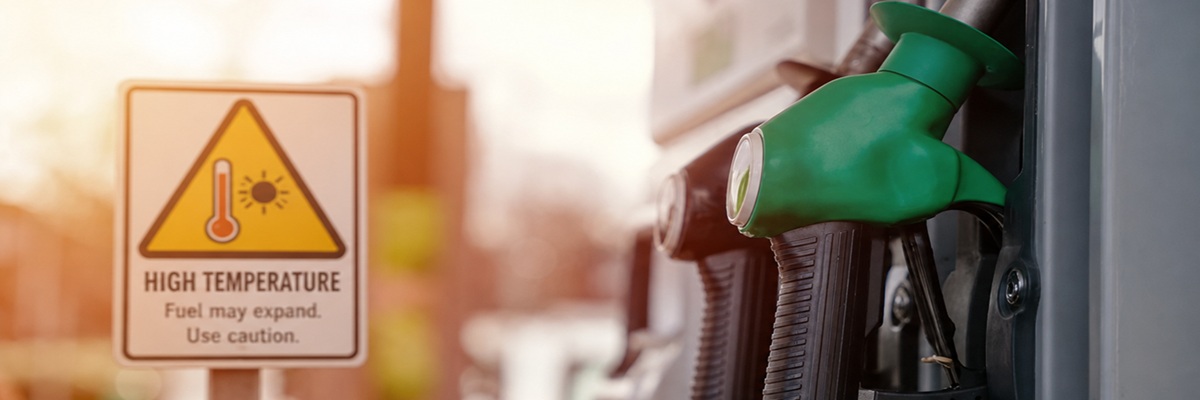
Polycarbonate maintains its structural integrity and performance across a wide temperature range, typically from approximately -40°C to +120°C.

PVC, by comparison, becomes brittle at low temperatures and can soften, deform, or degrade at temperatures as low as 60°C to 70°C.

This makes polycarbonate particularly suitable for:

  • Fuel stations in hot climates
  • Areas with strong sunlight exposure
  • Regions experiencing significant temperature fluctuations
  • Outdoor equipment operating year-round

The Long-Term Cost Advantage of Polycarbonate

While polycarbonate overlays typically cost more initially, they often provide a lower total cost of ownership.

Longer service life means:

  • Fewer replacement cycles
  • Reduced maintenance costs
  • Fewer technician visits
  • Better brand appearance

For fuel retailers and maintenance companies, these benefits frequently outweigh the higher initial material cost.

choose polycarbonate octane rating PID decals

Conclusion

For fuel dispenser decals, button overlays, and equipment graphics, material selection should be based on the operating environment rather than purchase price alone.

PVC remains a suitable option for low-cost and non-critical applications. Polyester offers improved dimensional stability and UV resistance. However, when maximum durability, impact resistance, temperature performance, and long-term appearance are required, polycarbonate consistently delivers the best results.

For fuel stations located in regions with high temperatures, direct sunlight, and significant weather variations, UV-protected polycarbonate overlays remain the preferred solution and the industry standard for high-performance fuel dispenser graphics.

Posted in: Default category

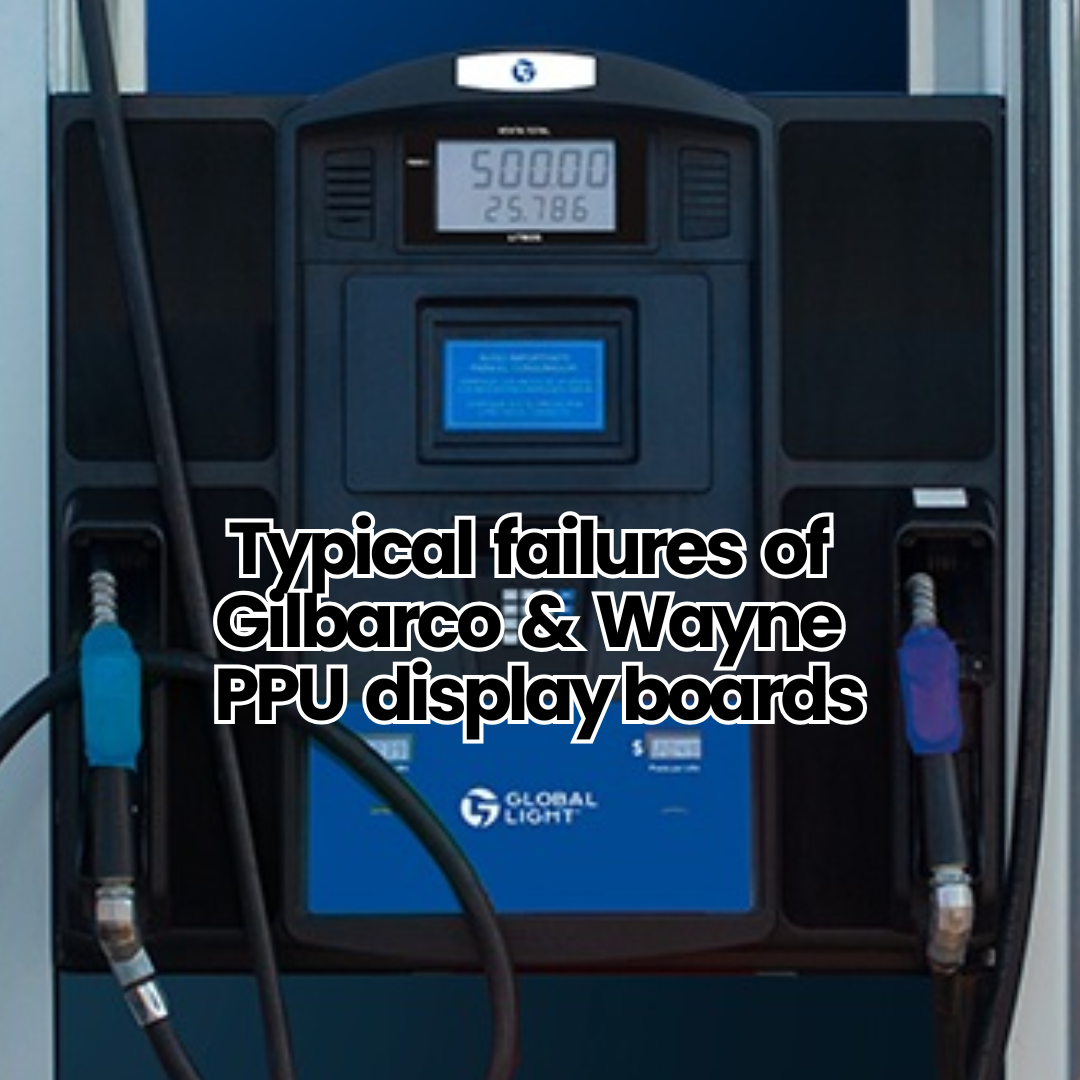
Typical failures of Gilbarco & Wayne PPU display boards and how to fix them with aftermarket replacement parts from Global Light

Typical failures of Gilbarco & Wayne PPU display boards and how to fix them with aftermarket replacement parts from Global Light

Common failures of fuel pump displays (Gilbarco & Wayne) and how to fix them with aftermarket replacement parts…

Fuel dispensers work in harsh outdoor environments where electronics, LED boards, and PPU (Price-Per-Unit) displays are constantly exposed to sunlight, rain, temperature shifts, and fuel vapors. Over time, even OEM parts begin to fail, causing issues like dim or unreadable screens, dead segments, or moisture damage. At Global Light, we engineer compatible replacement display boards and overlays that restore clarity and keep your pumps running reliably at a fraction of OEM costs.

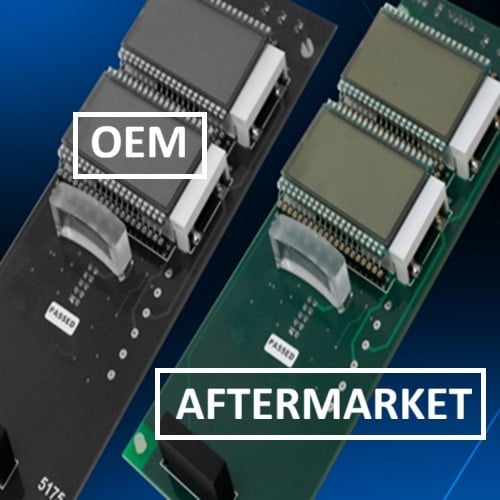
Gilbarco_Wayne PPU boards replacement

To maximize the lifespan of your fuel pump displays, station operators should:

  • Regularly inspect housing seals and gaskets to prevent water ingress.
  • Replace worn grade select overlays and decals, which protect the button assemblies from dirt and moisture.
  • Conduct routine forecourt inspections to detect early dimming or unreadable segments.
  • Use engineered replacement parts like Global Light display boards, built with moisture-resistant coatings and durable LEDs designed for outdoor fuel environments.

The most frequent failures are:

  • Dimming or fading LEDs, making prices unreadable in sunlight.
  • Dead segments or lines, often caused by electronic breakdown.
  • Moisture intrusion, leading to corrosion of connectors and circuit paths.
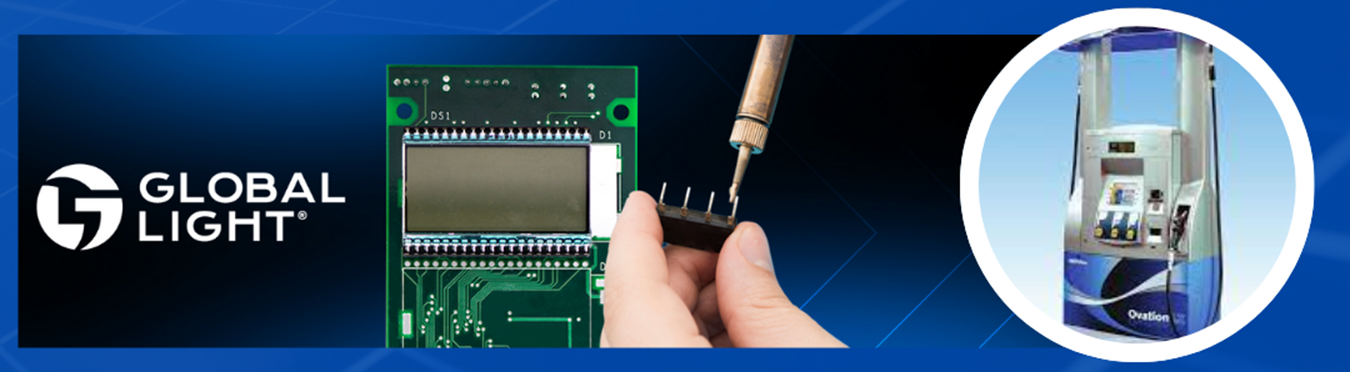
  • Temperature stress, where daily heating and cooling cycles weaken solder joints and LEDs.

Gilbarco and Wayne PPU boards repair parts

Yes. Water and moisture are among the leading causes of fuel pump display failures.

The average lifespan of a fuel dispenser display board (Gilbarco or Wayne) is typically 5 to 7 years, depending on environmental conditions and usage. In harsh climates, displays may fail sooner due to UV exposure, heat stress, or electronic breakdown. With proper maintenance, some boards can last longer, but eventually, fading digits or dead segments signal it’s time for replacement.

Gilbarco and Wayne PPU replacement boards

Global Light Solutions: Cost-Effective, Reliable, Engineered for Forecourts

Display boards are the face of your dispenser — if customers can’t read the price or fuel grade, the station loses trust and risks noncompliance. Don’t let dim screens or moisture damage hurt your business. Global Light’s engineered replacements for Gilbarco and Wayne display boards and button overlays provide an affordable, durable solution to keep your pumps working and looking like new.

Posted in: Default category

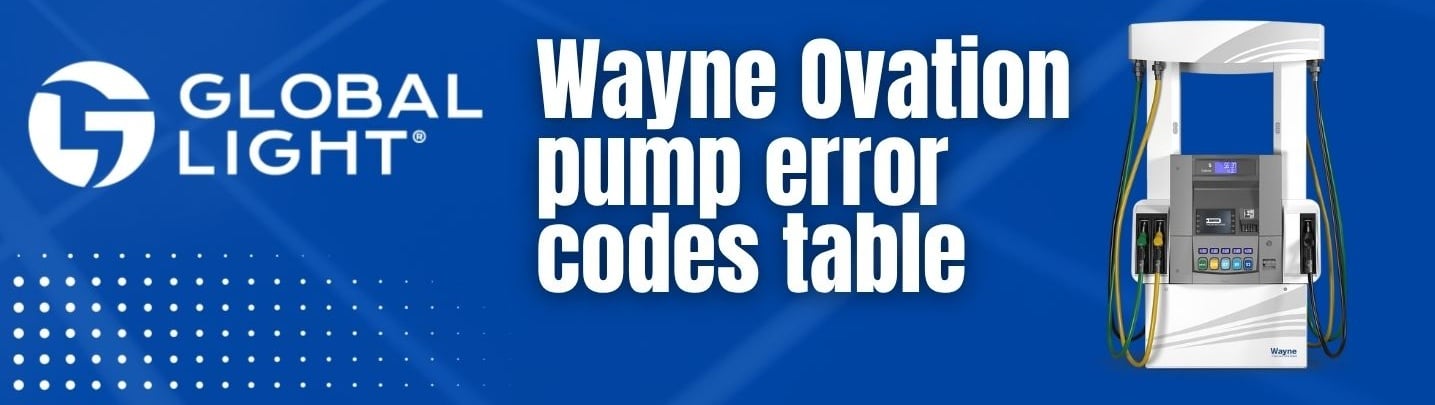
Wayne Ovation pump error codes table for iGEM dispenser troubleshooting

Wayne Ovation pump error codes table for iGEM dispenser troubleshooting

Posted on: 10/16/2025

By Marketing Manager

iGEM stands for Intelligent Global Electronics Module — it’s the main electronic control system inside many Wayne fuel dispensers (including Vista, Ovation, Helix, and others). This module continuously monitors components and generates error codes or fault codes when issues occur.

For advanced iGEM dispenser troubleshooting, a complete understanding of Wayne Ovation error codes is crucial. The service manual provides a comprehensive list of Wayne Ovation fault codes, explaining each code’s meaning, cause, and possible solutions. From memory CRC errors and communication timeouts to blend ratio issues and vapor recovery alarms, each entry helps technicians pinpoint the exact problem and take corrective action quickly.

Wayne Ovation pump error codes table

Many Wayne models (Vista, Ovation, Helix) share the iGEM electronics module. That means many error/fault codes (flash, RAM, comms, etc.) are common across models.

To ensure reliable performance, always use quality Wayne replacement parts when repairing your dispenser. Incorrect components can lead to further malfunctions or void warranty coverage. For precise part selection, review our Wayne acronym list and consult the Wayne Ovation parts manual. These resources will guide you to the correct Wayne part number and make maintenance faster and more accurate.

Here you can find table with Wayne iGEM error codes (code, error name, description, notes/subcodes).

Code Error Description Notes / Device-Subcodes
1 Flash program CRC error Corrupted program data detected in POST
2 Flash template CRC error Corrupted template data detected in POST
3 RAM Error RAM test failed during POST or before sale
5 RAM error log CRC error Corrupted RAM error log detected in POST
6 RAM function programming CRC error Corrupted RAM function data detected in POST
7 RAM unit prices CRC error Corrupted RAM unit price data detected in POST
8 RAM statistics CRC error Corrupted RAM statistics data detected in POST
9 RAM event log CRC error Corrupted RAM event log data detected in POST
10 RAM totals CRC error Corrupted RAM totals data detected in POST
11 RAM totalizers CRC error Corrupted RAM totalizer data detected in POST
12 RAM Electro-mechanic totalizers CRC error Corrupted RAM EMT data detected in POST
13 Identi-PROM CRC error ID-PROM data error; Device 0 = Display, 1 = CPU Device: 0=Display, 1=CPU
14 RAM Timestamps CRC error Corrupted RAM timestamp data detected in POST
16 Suppress overflow limit reached Overrun suppression limit exceeded
17 RAM meter data CRC error Corrupt meter non-volatile data detected in POST
18 RAM Door Security Data CRC Error Corrupt door security data detected in POST
20 Consecutive display read back error Display echo-back mismatch Device #: 0=Sales, 1=Unit price, 2=Preset
25 Sale cannot start — Zero Unit price Unit price not set
27 Sale cannot start — Unit price changed Unit price changed too close to start of sale
28 Sale cannot start — Need preset entry Preset keypad entry required when enabled
30 No communications with POS timeout Comms lost with POS for programmed duration
31 POS buffer overflow (DART) POS comms error
34 Sale aborted — STOP button pushed Stop button signal detected
35 Blend ratio out of tolerance Blend exceeded tolerance
39 Pulse output lags by more than 1 second Pulse output to POS lagging
42 Vapor recovery motor on when should be off WayneVac feedback indicates motor turning with no fuel flow
43 Vapor recovery motor off when should be on WayneVac feedback indicates motor not turning with fuel flow
46 Vapor recovery motor turning wrong direction Wrong rotation detected
47 Illegal sensor states from vapor recovery system Corrupted sensor signals
48 Vapor recovery motor load high Power draw high
49 Vapor recovery motor load low Power draw low
50 Jitter/Reverse limit reached on In‑Transaction WIP Meter jitter during sale exceeded limit
51 Jitter limit reached on idle WIP Meter jitter while idle exceeded limit
54 Reverse flow limit reached on idle WIP Reverse pulses on idle exceeded limit
56 Forward flow limit reached on idle WIP Forward pulses on idle exceeded limit
58 Communication lost to an In‑Transaction WIP Meter comms timeout during sale
59 Communication lost to an idle WIP Meter comms timeout while idle
62 WIP jitter during calibration Volume exceeded expected limit during calibration
67 Meter calibration OK status changed Changed from uncalibrated to calibrated
68 Meter calibration door status changed Door closed
69 Meter last calibration status changed Last calibration indicated as successful
70 Timeout reached for No Flow Start of flow not detected within limit
71 Consecutive No Flow timeouts Multiple no‑flow events
72 Timeout reached for Flow Lost Flow lost for programmed time
73 Consecutive Flow Lost timeouts Multiple flow‑lost events
74 Sale terminated before preset limit reached Preset not reached
75 Consecutive unfinished fillings Count set in function 17.06
76 DEF Low Temperature Event Temperature low / cleared 1=Low Temp, 2=Cleared
77 Additive Error Additive system reported an error 0=Config conflict, 1=CAN comm, 2=Tank empty, 3=Door open, 4=Motor failure, 5=Injection short, 6=Flow error
80 Software exception (internal iGEM) Internal iGEM error 0=Mail pool exhausted, 1=Mail send failed, 2=XMalloc failed, 3=Print buffer overflow
90 Fuel temperature board comm failure Lost comm with FTB
91 Fuel temperature board probe shorted Probe defective/out-of-range
92 Fuel temperature board probe shorted Probe defective/out-of-range
94 ATC configuration error ATC programmed incorrectly
95 Fuel Temp Board Calibration error Calibration error on FTB
96 Dispenser security breached Door sensor activity while armed 1=Bezel, 2=Hydraulic
97 Dispenser security armed status change Armed/unarmed changed 0=Unarmed, 1=Armed One‑Shot, 2+=Armed via Maintenance
98 DEF errors DEF subsystem error Fields include Device (D), Side (S)

Posted in: Default category

What’s the Difference between Original, Genuine, OEM, and OES Parts?

Latest posts

How to build a strong brand identity at gas station through fuel dispenser finishes

09/29/2025

This post discusses strategies for creating a strong brand identity at gas stations using fuel dispenser finishes.

Read more

What’s the Difference between Original, Genuine, OEM, and OES Parts?

09/29/2025

This post clarifies the differences between Original, Genuine, OEM, and OES parts.

Read more

Choosing the Best Material for Fuel Dispenser Decals and Overlays

06/06/2026

This post reviews the materials suitable for fuel dispenser decals and overlays, comparing polycarbonate, polyester, and PVC.

Read more

Typical failures of Gilbarco & Wayne PPU display boards

02/01/2026

This post highlights common failures of fuel pump displays and offers solutions using aftermarket replacement parts.

Read more

Wayne Ovation pump error codes table for iGEM dispenser troubleshooting

10/16/2025

This post provides a comprehensive table of error codes for troubleshooting iGEM dispensers.

Read more

How to build a strong brand identity at gas station through fuel dispenser finishes

How to build a strong brand identity at gas station through fuel dispenser finishes

Posted on: 09/29/2025

By Marketing Manager

How to build a strong brand identity at gas station through fuel dispenser finishes: keypad, overlays, decals, nozzle holder covers, and cabinet panels.

In an increasingly competitive market, the image projected by a gas station goes far beyond offering quality fuel. Aesthetic consistency, visual appeal, and professional presentation of each component of the dispenser play a crucial role in customer perception and in building a strong, memorable brand.

More than just functionality: branding from the fuel dispenser

The dispenser keypad, labels (overlays), pump decals, nozzle holder covers, and cabinet panels not only serve technical purposes — they are also key branding opportunities.

Most modern dispensers use membrane keypads due to their sealed design that protects against rain, snow, and humidity. Their flat surface also makes them easy to clean with just a cloth. Additionally, thanks to customizable overlays, it is possible to incorporate logos, corporate colors, multi-language instructions, or custom icons for your station.

Fuel pump keypads customizable overlays with logo

The power of visuals: consistency and brand recognition

Various studies show that 90% of the information we process is visual. That’s why maintaining a unified corporate image across all customer touchpoints is essential. This means that dispensers across all station locations must convey the same professional, modern, and easily recognizable aesthetic.

With our custom branding solutions — including keypads, overlays, nozzle covers, and external dispenser panels— each dispenser can become a powerful visual marketing tool. Whether with brand colors, logos, or promotional messages, every component reinforces the station’s identity.

Brand image adaptable to gas station on keypads, labels, and cabinets

Fully adaptable to any station

We offer solutions compatible with the most common brands on the market, such as Gilbarco, Wayne, Bennett, Petrotec, and Tokheim, without needing a physical sample. Our experience ensures perfect fit and precise alignment for keypads, labels, and cabinets.

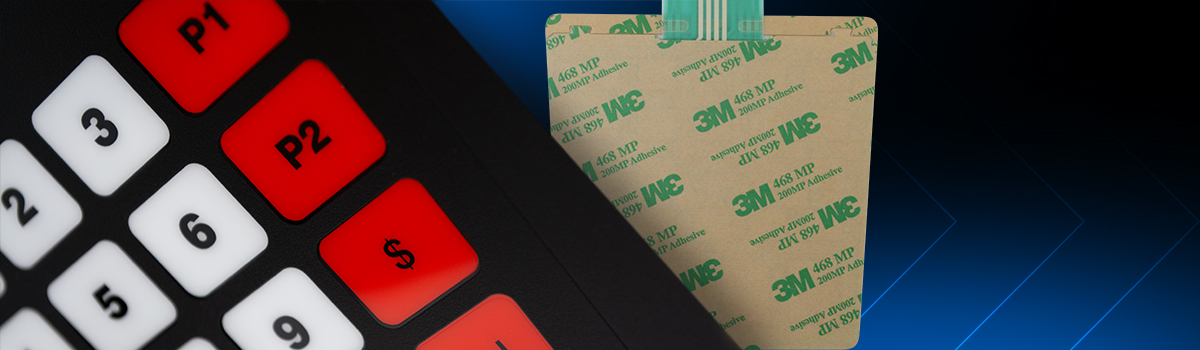
We manufacture our overlays using Lexan® polycarbonate with UV protection, resistant to sun fading. We also use 3M® 467 industrial adhesive, ensuring strong, long-lasting adhesion. The silver conductive ink circuits, protected by DuPont dielectric coating, deliver fast, reliable signal transmission — even in harsh outdoor conditions.

Branded keypads, overlays, nozzle covers, decals, gas dispenser panels

Functional and durable design

Customization doesn’t compromise functionality. In fact, clear button labeling, tactile response, and organized visual layout improve user experience, streamline fueling, and reduce errors. A worn-out keypad with faded or non-responsive buttons should be replaced quickly to maintain efficient service.

We also apply high-quality finishes such as powder coating and screen printing to protect cabinets from chemicals, UV rays, and physical wear — preserving the image over time.

Quality fuel pump keypad overlays, label, stickers

Your gas station image is your differentiator

Whether you’re opening a new gas station or refreshing an existing one, image matters. With our customized products, you can change your current corporate design or develop a completely new one tailored to your fuel dispensers.

A well-branded service station projects trust, professionalism, and attention to detail. Make every dispenser speak your brand’s language!

Contact us to personalize with logo, graphics, colors your Wayne, Bennett, Tokheim, Petrotec, and Gilbarco fuel dispensers with custom keypads, durable overlays, decals and visually striking cabinets.

Posted in: Default category

Search for products

Back to Top
Product has been added to your cart
Compare (0)